The external screen is dark
Start with power and cable connections, then follow the display-detection checks. A dock or adapter adds another connection to verify.
Apple's display checks ↗MACBOOK · CONNECTIONS · EVERYDAY WORK
A display that stays dark. A charger that does not keep up. Too much to carry between rooms. Start with the right checks, before buying another accessory.
Find a starting pointFor classrooms, meeting rooms and the desk at home.

START WITH THE SYMPTOM
These starting points open Apple Support. Check your exact Mac model, display, cable and power source; a matching connector does not establish compatibility.
Start with power and cable connections, then follow the display-detection checks. A dock or adapter adds another connection to verify.
Apple's display checks ↗Supported display count, resolution and refresh rate depend on the Mac model. Check the model before choosing a cable, hub or dock.
Apple's connection guide ↗Check the power source and use a compatible charging cable. For a replacement adapter, check the requirements for your Mac.
Apple's charging checks ↗Choosing a power adapter ↗MAKE THE SPACE WORK
Existing chillchill notes on cables, room light, desk space and carrying less. General setup ideas; the Apple links above cover model-specific checks.
CHARGING & CABLES
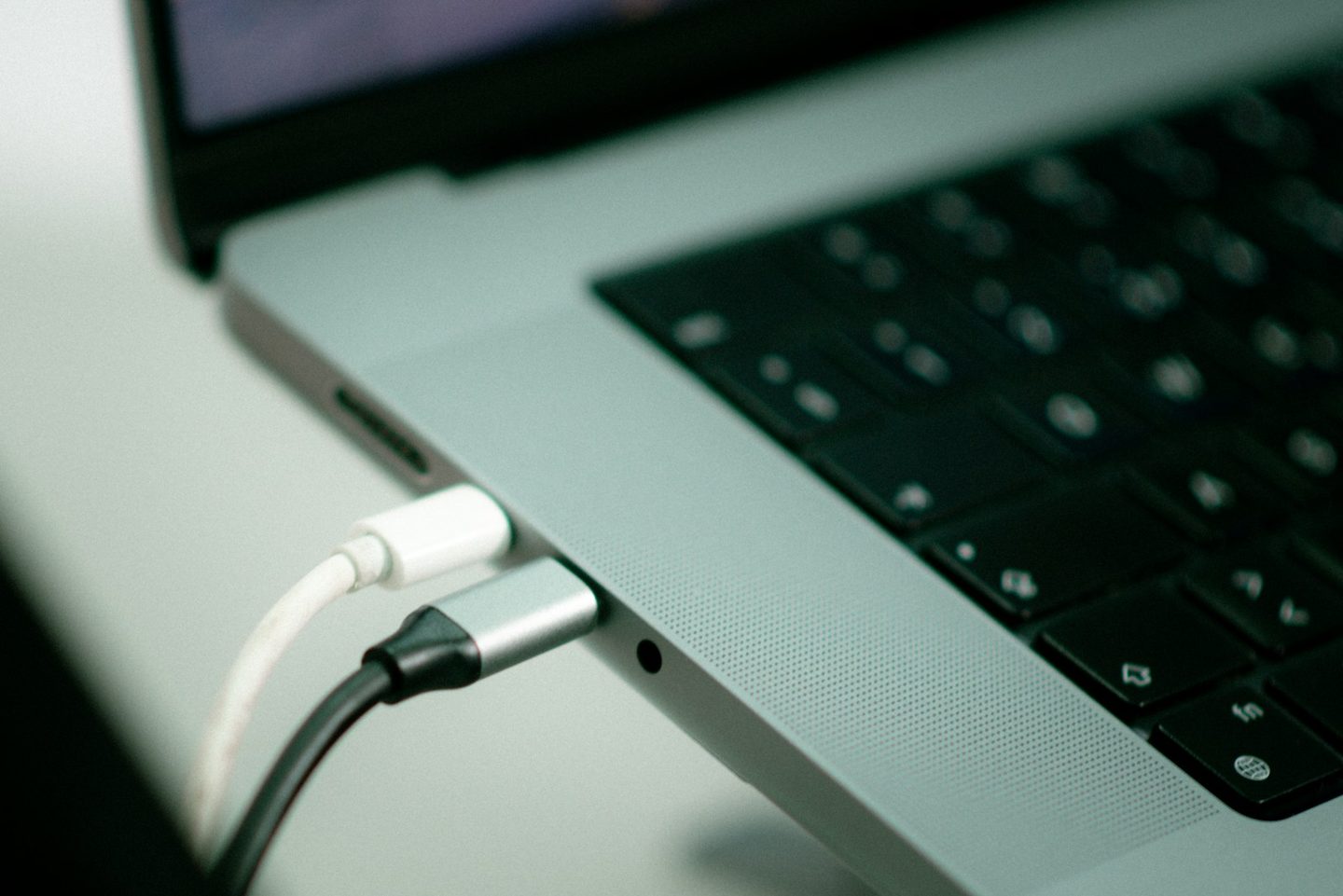
Licensed stock photograph by INFRAME Studio's / Unsplash. Connection context only; not a chillchill hands-on test or evidence of cable capability.
List your devices and charging requirements, keep daily cables within reach and separate desk and travel gear.
Read the noteMEETING ROOM
Licensed stock photograph by Alesia Kazantceva / Unsplash. Room-lighting context only; not a chillchill video-call test.
Use your camera preview to check the window, lamp position and reflections before considering new lighting hardware.
Read the noteHOME DESK
Licensed stock photograph by Christopher Gower / Unsplash. Everyday desk context; not a chillchill setup or hands-on test.
Clear the working surface, give daily cables a home and add a little colour without replacing useful hardware.
Read the noteBETWEEN ROOMS
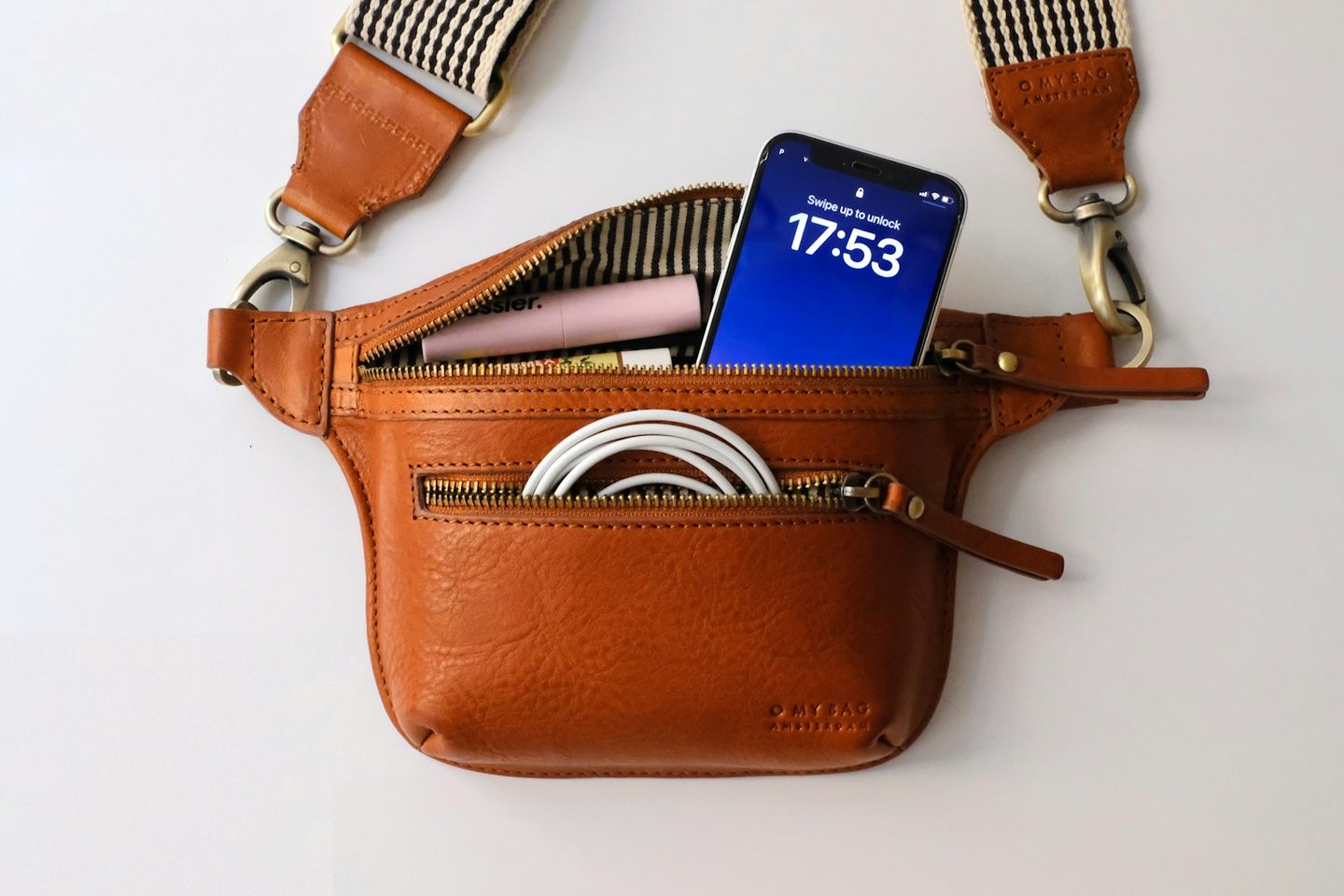
Licensed everyday-carry photograph by Trisha Lim; not a chillchill-owned kit or a hands-on test.
Choose around the day’s tasks, check your device connectors and keep the pieces you need in one familiar place.
Read the noteCHECK THE FIT BEFORE YOU BUY
A keyboard, a cable pouch and a light for calls. Research notes, not hands-on reviews or a tested MacBook accessory bundle.
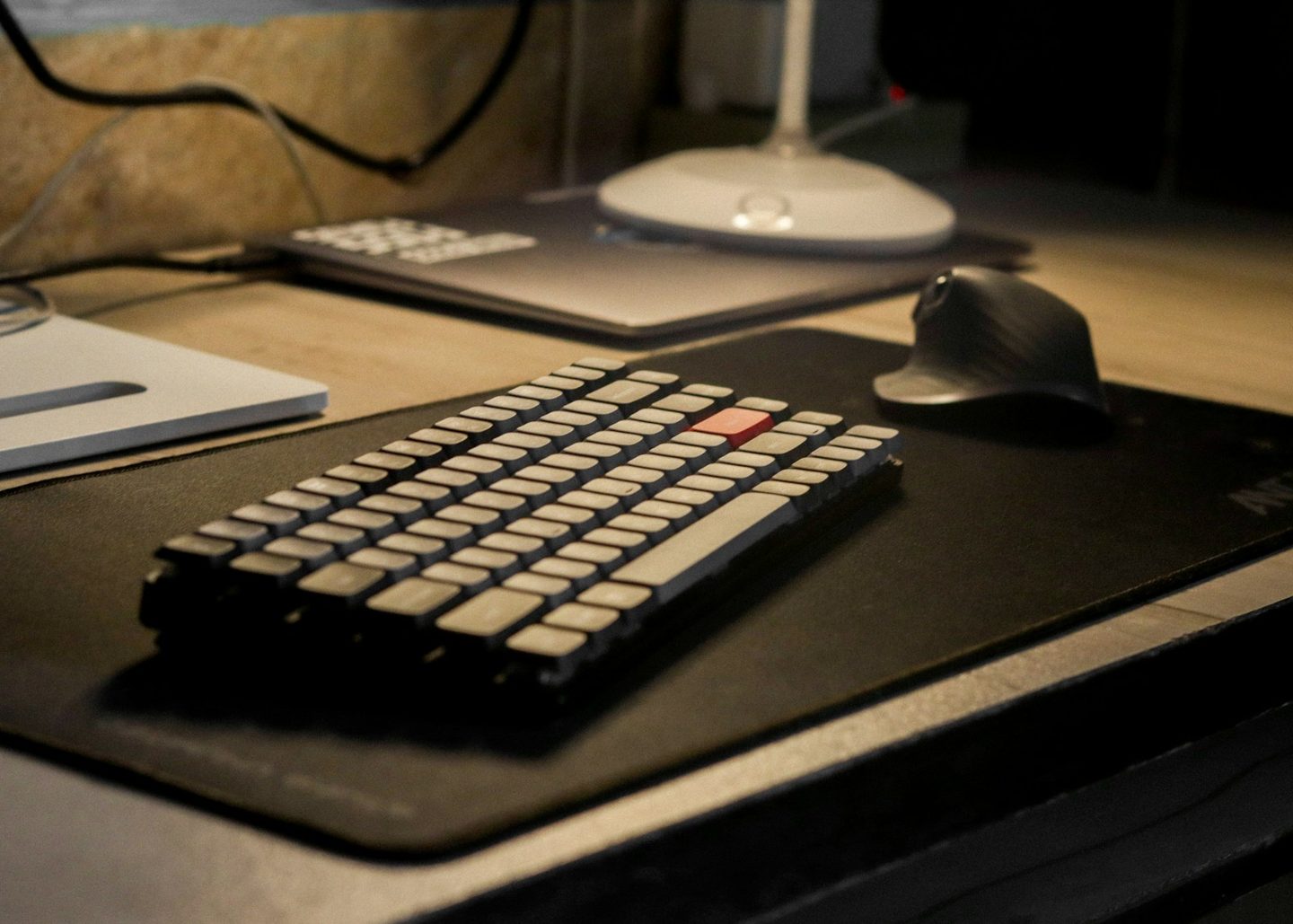
Licensed stock photograph of a different keyboard setup; not the Logitech Pebble Keys 2 or a chillchill hands-on test. Photo: Devang Saklani / Unsplash.
A research note on layout, number-pad needs and the devices you want to use with a compact keyboard.
Read the noteEditorial checklist. No product photograph or chillchill hands-on test.
Lay out your everyday charger, cables and adapters before choosing a pouch. A compact organiser may not suit a larger laptop power supply.
Read the noteEditorial checklist. No product photograph or chillchill hands-on test.
Try the room lighting first, then check the monitor mount and power source. Output and mounting have not been tested by chillchill.
Read the noteThe named products have not been tested by chillchill. Each note keeps its sources, original publication date and reasons to pause. Check your exact device, available space and current manufacturer information.
Focused setup topics first; earlier listening, reading and mobile notes remain available.
Make room for everyday work; check layout and device needs.
Organise power around your devices. Phone-power notes stay clearly labelled.
Check the room, light and power source before adding equipment.
Carry the charger, cables and small pieces your day actually needs.
Earlier notes on comfort, awareness and calls.
Earlier notes on books, readers and phone accessories.

ABOUT chillchill
chillchill focuses on MacBook connections, charging and light work across shared rooms and home desks. Start with official troubleshooting, then explore practical setup notes and clearly labelled product research.
The existing collection includes earlier everyday-tech topics. Those notes remain in the archives; they have not become MacBook compatibility tests.
Read the editorial approach →